 Hido
Secure connection,
one tap away.
Hido takes you to your provider’s service with a single code, or runs a configuration of your own. Tap one button and you’re connected, nothing else to set up.
Hido is connection software. Service plans are sold and supported by your provider.
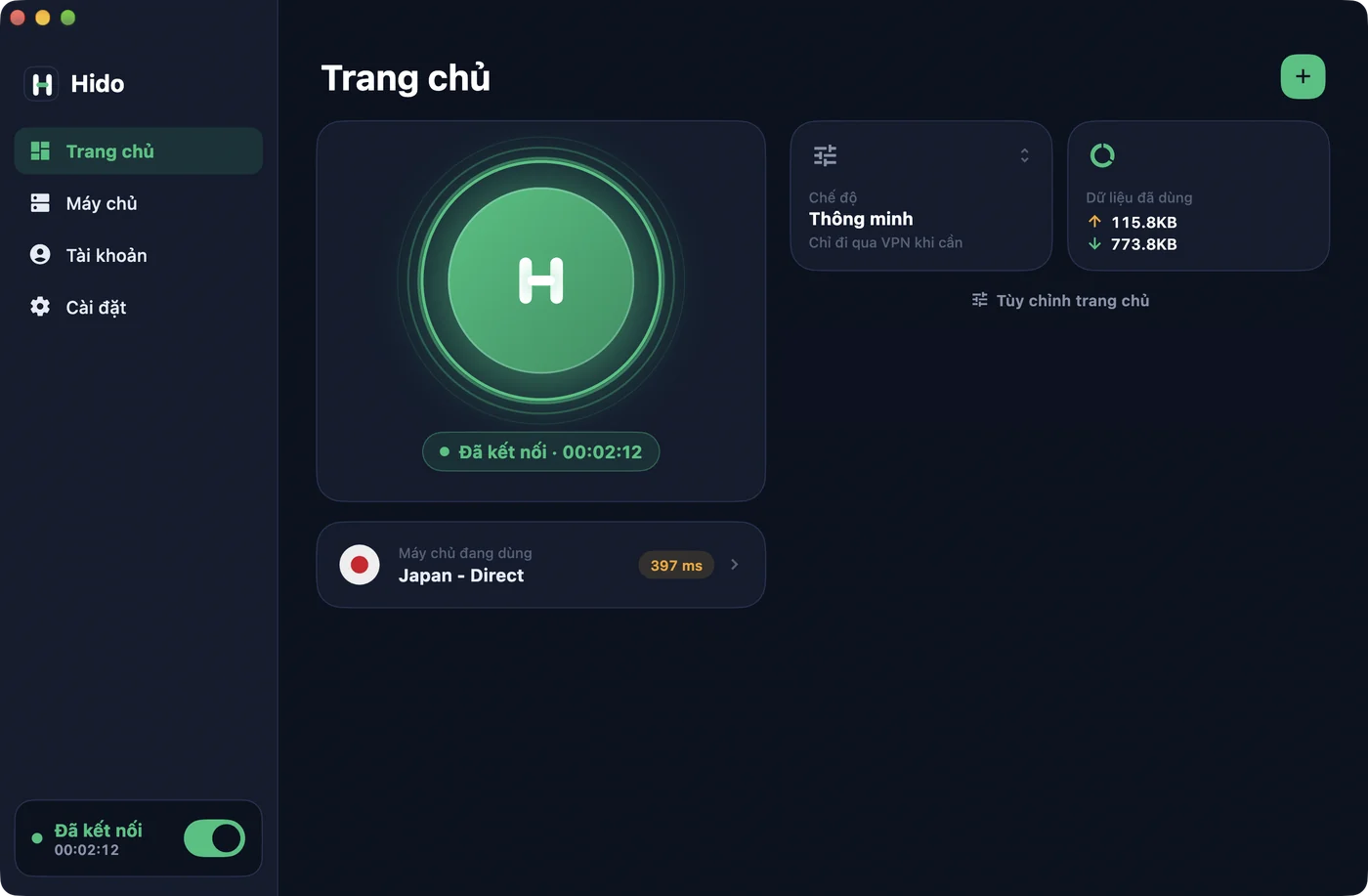
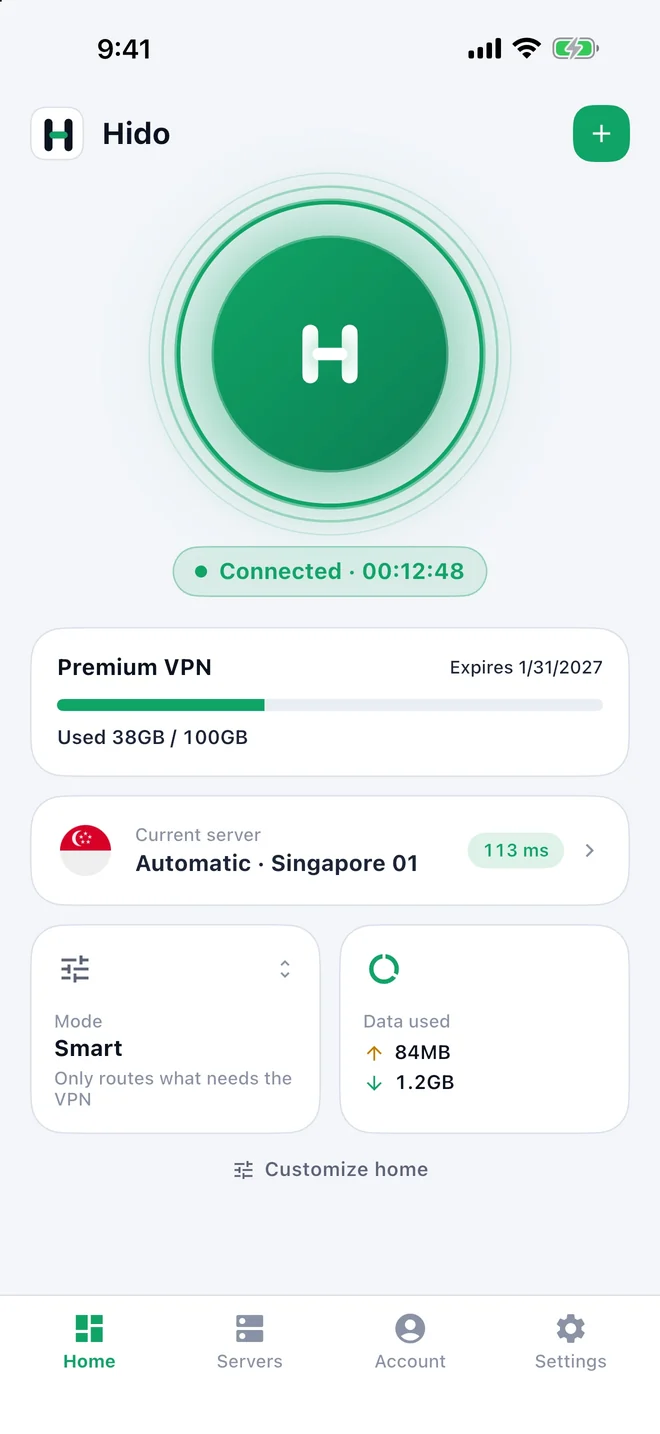
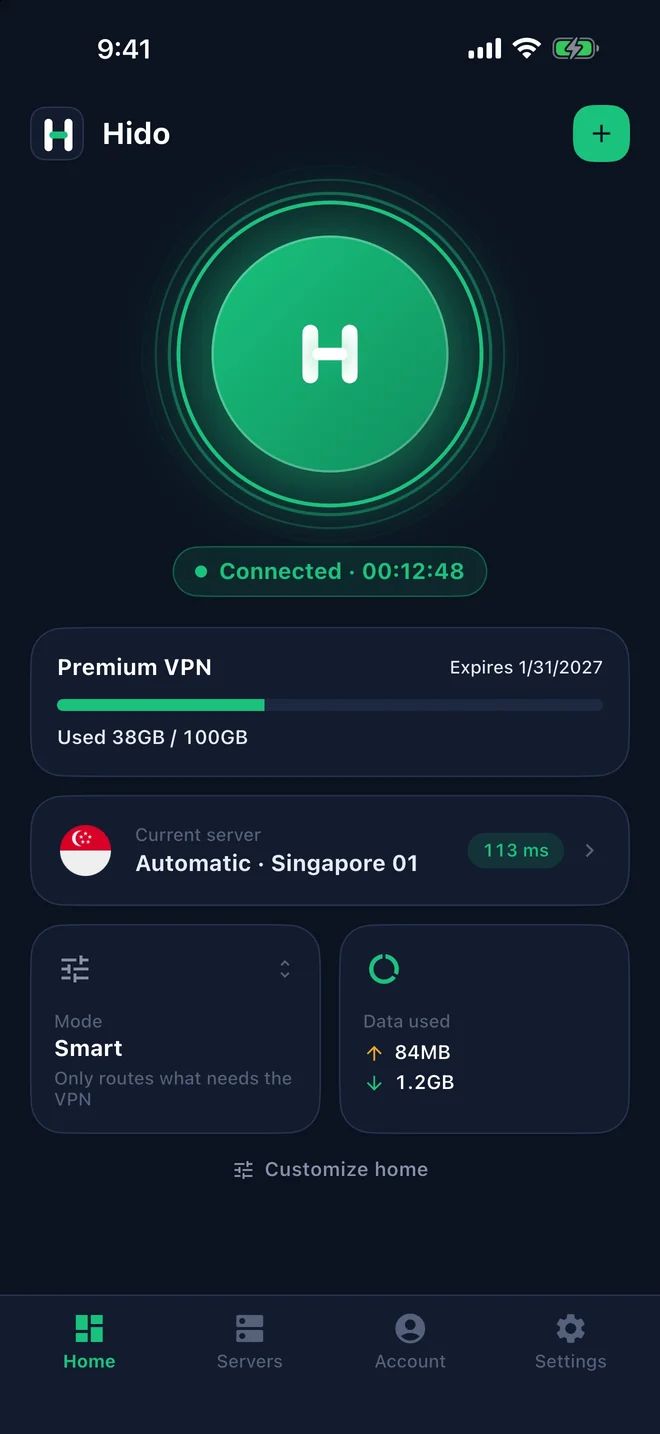
- No ads
- Browsing history never leaves your device
- Tiếng Việt, English, 中文, Русский, हिन्दी
- Light and dark themes
Powerful inside, simple outside
Everything a fast, steady connection needs, in an interface anyone can use.
One-tap connect
Tap and go. Hido picks the fastest server and can connect on its own whenever you open the app.
Smart mode
Sites and apps in your country go direct; only what needs it goes through the connection. Faster, and lighter on data.
Clear server list
Country flags from server names, ping the whole list at once, pick by hand or leave it on Auto.
Add your own nodes
Paste a link, scan a QR code or take it from the clipboard. Your nodes sit next to your plan’s servers and survive updates.
Network check
Test download speed and ping, and see at a glance whether Telegram, Steam, Reddit and Apple are reachable.
Private by design
Configurations stay on your device. Hido has no ads, sells no data and never sends your browsing history anywhere.
Follow your provider, or run your own
Pick one the first time you open the app, and switch any time in Settings.
Enter a code, sign in, done
- Type the code your provider gave you, such as abcvpn, or scan a quick-connect QR code.
- Sign in, sign up or reset your password right in the app.
- Your plan, expiry and data usage show on Home and stay up to date.
- Delete your account in the app when you no longer need it.
Your link, QR code or file
- Add a subscription link, scan a QR code or open a configuration file.
- Keep several configurations and switch with one tap.
- Add your own nodes to the configuration you use.
Three steps to connect
Install Hido
Get Hido on the App Store or Google Play, then pick your language, theme and country.
Add a service
Enter a provider code such as abcvpn and sign in, or add a link to your own configuration.
Tap connect
Allow Hido to add a VPN configuration the first time; after that it takes one tap.
Bring your customers to Hido in minutes
Running a V2Board, Xboard or XiaoV2Board panel? Register a provider code and your customers just type it to reach your panel.
- Your own provider codeCustomers never paste links or remember domains, and you can move your panel without an app update.
- Quick-connect QRSend customers a QR code; one scan and they are signed in.
- Device limitsHido sends a device ID in the standard
x-hwidheader, and it stays the same even after a reinstall. - Backup addressesSeveral API and registry domains, so customers still get through when one is blocked.
Ready to connect?
Hido is on Google Play now, and coming soon to the App Store. Need help, or want your service on Hido? Get in touch.
Contact support